Back
Local SEO
Is Your Google Business Profile Actually Working?
You set up your Google profile years ago. Here's how to tell whether it's bringing in calls, and what to fix if it isn't.
3 min read
Start with the numbers Google already gives you
Your Business Profile comes with a free performance report. Sign in with the Google account that manages your profile, open the profile in Google Search or the Google Maps app, and select Performance. Google only shows this data for verified profiles, so if you can't find it, verification is your first job.
The report shows how many people viewed your profile on Search and Maps, the search terms people used to find you, and what they did next: calls, direction requests, website clicks, messages and bookings, depending on your business. If your work is seasonal, compare the same months from one year to the next so a slow spring doesn't look like a broken profile.
Read it like an owner
Views tell you whether Google is showing you. Calls, website clicks and direction requests tell you whether people like what they see. Those are different problems with different fixes.
If views are low, Google isn't matching you to many searches. Check your categories, services and service area, and read the search terms list. If most of the terms are your own business name, people who already know you can find you, but new customers searching for the service probably aren't seeing you yet.
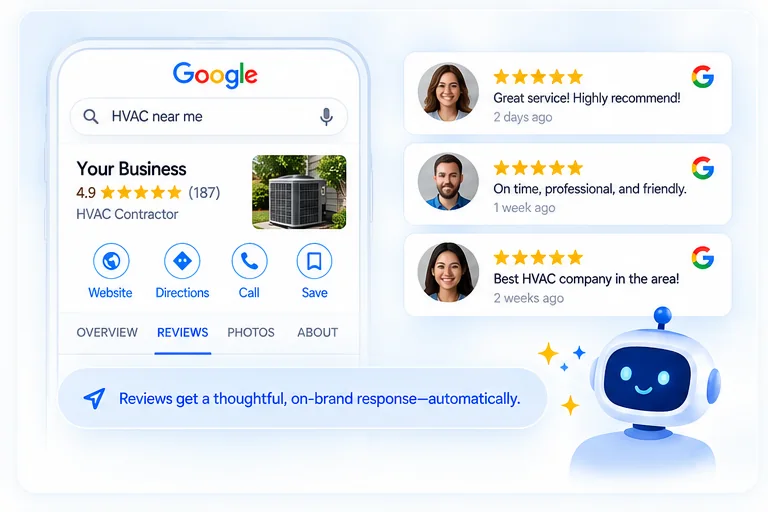
If views are healthy but calls and clicks are low, people are seeing you and choosing someone else. Look at what they see: your rating and how recent your reviews are, whether anyone replied, your photos, and whether your hours and services look current.
A five-minute health check
Open your profile the way a customer would and ask a few questions. When was the last photo added? When was the last update or offer posted? Are there reviews from the past month with no reply? Does the service list match what you actually sell today? Are your holiday hours set? Each gap is something a customer can see before deciding whether to call.
Then compare it with Google's own advice. Its tips for local ranking come down to verifying the business, keeping information complete and accurate, replying to reviews and adding photos. Google says businesses with complete and accurate information are more likely to show up in local search results, and that positive reviews and helpful replies can help a business stand out.
Keep it working
A profile isn't a one-time setup. Reviews keep arriving, services change, seasons turn and photos age. A profile keeps working when someone keeps it up, every week.
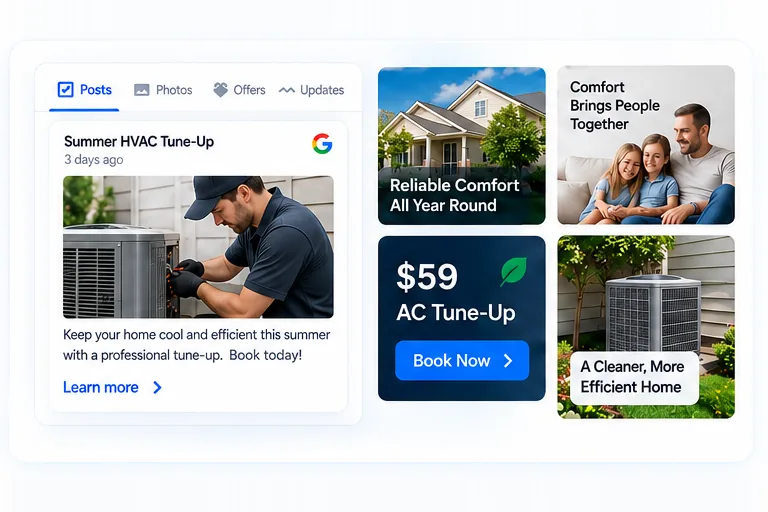
That's the job of Everfound's Google Presence Engine and Reputation Engine, included on every plan. Photos, updates and offers go to your profile on a schedule, every Google review gets an on-brand reply, and your monthly report shows how your Google presence is performing, so you can see whether it's working without digging through the numbers yourself.
More from the blog
Practical guides on local SEO, AI search, and reviews to help your business get found everywhere.