Back
Local SEO
How Spas Get Found When Someone Searches "Massage Near Me"
Spa clients compare before they book. Here's how to make your Google profile, reviews and website do the convincing.
4 min read

Clients choose a spa before they call
Nobody books a massage in a panic. Someone with a stiff back after a long week, or a partner hunting for a birthday gift, searches "massage near me" or "facial spa" and compares a few places side by side. They look at photos, the star rating, what recent guests said, the treatment menu and whether you're open on Saturday. Then they book with the spa that feels right.
That means your Google Business Profile is doing the selling before anyone reaches your front desk. Google says local results are based mainly on relevance, distance and prominence. You can't change where a client is searching from, so the work goes into the other two. Google also says there's no way to request or pay for a better local ranking, so start with the basics below.
Get the profile basics right
Start with verification. Google says a verified profile tells it you're authorized to represent the business, which makes the profile more likely to show up in search results. Then pick your primary category carefully. Choose the one that best describes your core business, whether that's a day spa, a massage spa or a facial spa. Google's guidelines say to use as few categories as possible and not to use categories as keywords.
Keep your business name exactly as it appears on your sign. Renaming the profile "Serenity Spa Best Massage Downtown" is tempting, but Google's guidelines say the name should match your real-world name, and adding extra words can get the profile suspended.
Guests come to you, so your address should be on the profile. Keep your hours accurate, and set holiday hours ahead of the busy gift-card weeks so nobody drives over to a locked door on the day they finally had time.
Spell out every treatment
Relevance comes from detail. Google says businesses with complete and accurate information are more likely to show up in local search results. List every treatment you offer, from deep tissue and prenatal massage to facials, body wraps and couples packages. Write a business description that says plainly what you do, who it's for and which neighborhood you're in.
Your website backs this up. A page for each main treatment that explains what it is, how long it takes, what to expect and roughly what it costs answers the questions a first-time guest is too shy to call about. It also gives Google, and AI assistants like ChatGPT that can search the web and cite what they find, something clear to work with. "A 60-minute deep tissue massage focused on your neck and shoulders" is useful. "An oasis of tranquility" isn't.
Let your photos and reviews set the mood
A spa sells a feeling, and photos are how a stranger gets a sense of it. Add real photos of your treatment rooms, relaxation lounge, products and team, and keep adding new ones as the space and seasons change. Post updates and seasonal offers so the profile looks as cared for as your rooms are.
Reviews matter here because a guest is trusting you with something personal. Ask every happy client for a review. Google gives you a review link and QR code for exactly this, but it prohibits offering discounts or anything else in exchange for reviews, so skip the "money off your next facial" card.
Reply to every review, good and bad. Google says replies show customers you value their feedback. Keep replies warm and general, and never confirm details about a guest's visit or treatment in public. Thank them, mention you'd love to see them again, and take anything sensitive offline.
Check whether it's working
Your profile comes with a free performance report. Open your profile in Google Search or Maps while signed in and select Performance. It shows how many people viewed your profile, the search terms they used, and what they did next: calls, direction requests, website clicks, messages and bookings, depending on your business. Spa demand rises and falls with the calendar, so compare the same months year over year rather than December with January.
If views are low, Google isn't matching you to many searches, so revisit your category and treatment list. If views are healthy but calls and bookings are low, people are seeing you and choosing someone else. Look at your photos, your rating, how recent your reviews are and whether anyone replied.
Keep it fresh without giving up a treatment slot
None of this is a one-time job. Reviews keep arriving, the menu changes, and photos from three years ago stop matching the room. Most spa owners would rather spend that time with guests than in a dashboard.
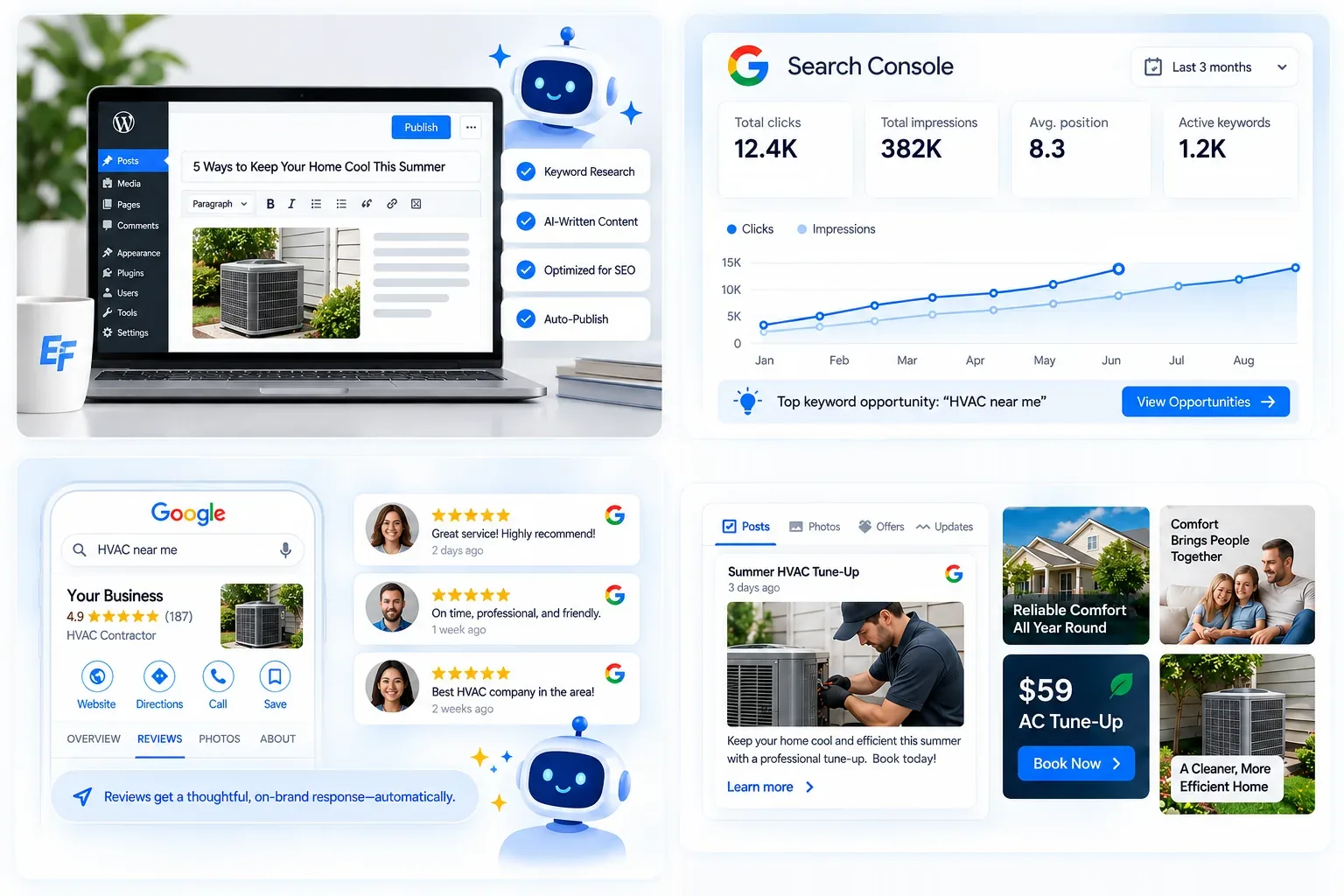
Everfound's Google Presence Engine keeps your profile complete, with fresh photos, updates and offers on a schedule, and the Reputation Engine gives every Google review an on-brand reply. On the Grow and Dominate plans, the Content Engine also publishes blog posts and local pages about your treatments to your WordPress site. Your monthly report shows how your Google presence is performing, so you can see whether it's working between appointments.
Sources
- Google Business Profile Help: Tips to improve your local ranking on Google
- Google Business Profile Help: Guidelines for representing your business on Google
- Google Business Profile Help: Tips to get more reviews
- Google Business Profile Help: Understand your Business Profile performance & insights
- OpenAI Help Center: Searching the web with ChatGPT
More from the blog
Practical guides on local SEO, AI search, and reviews to help your business get found everywhere.